Beautiful Writing

Write beautifully with Textio

A clean, minimalist text editor designed for writers, developers, and anyone who wants a distraction-free writing experience on macOS. Focus on what matters—your words.

Coming soon to the App Store

v1.0 Latest
Free to Start
$4.99 Pro (One-time)
macOS 13+ Required
Untitled.txt
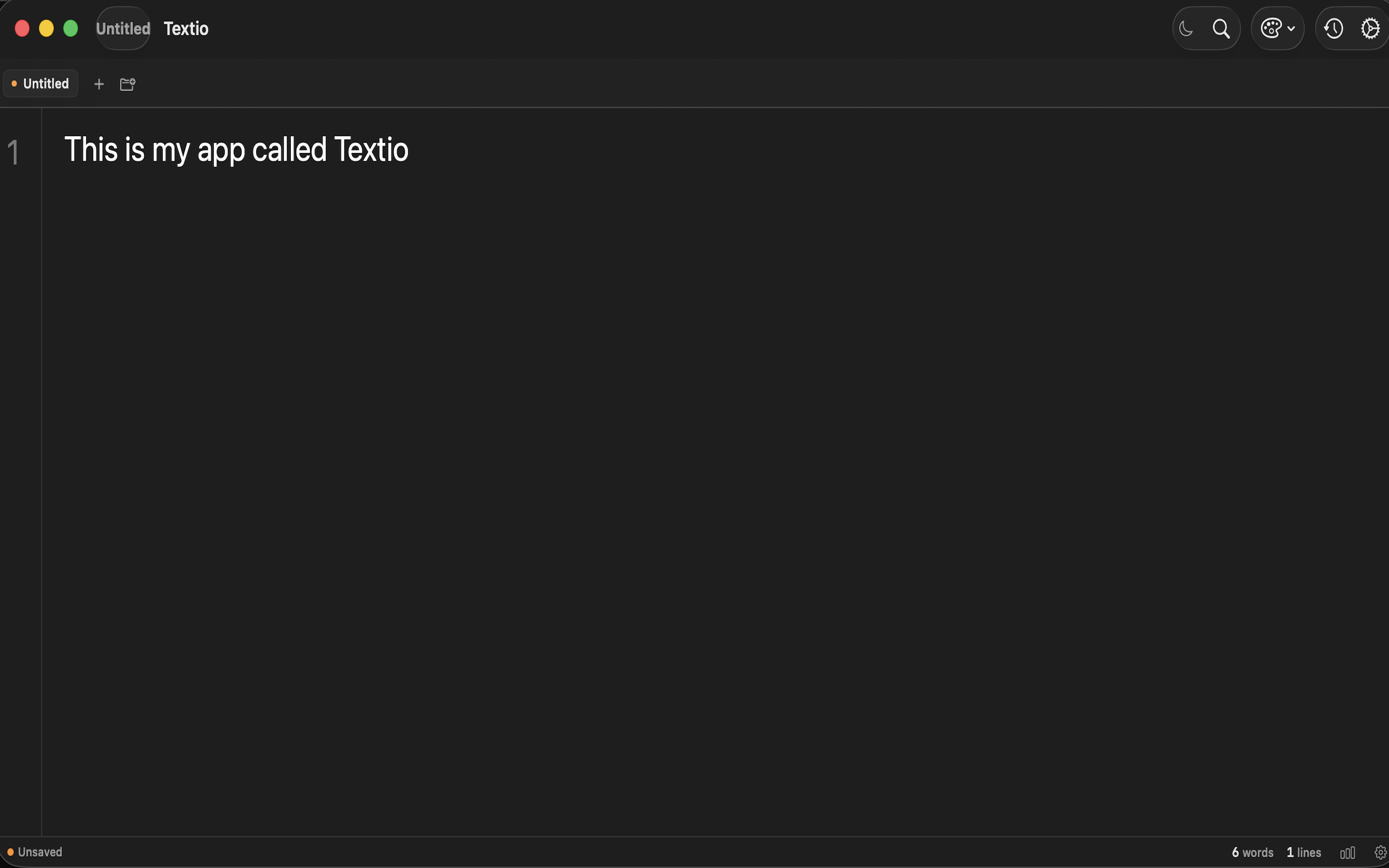
Textio Editor Preview
Auto-Save
Find & Replace
Tab Groups
Focus Mode
Version History
7 Themes
Auto-Save
Find & Replace
Tab Groups
Essential tools for focused writing

Everything you need to write beautifully, nothing you don't.

Auto-Save

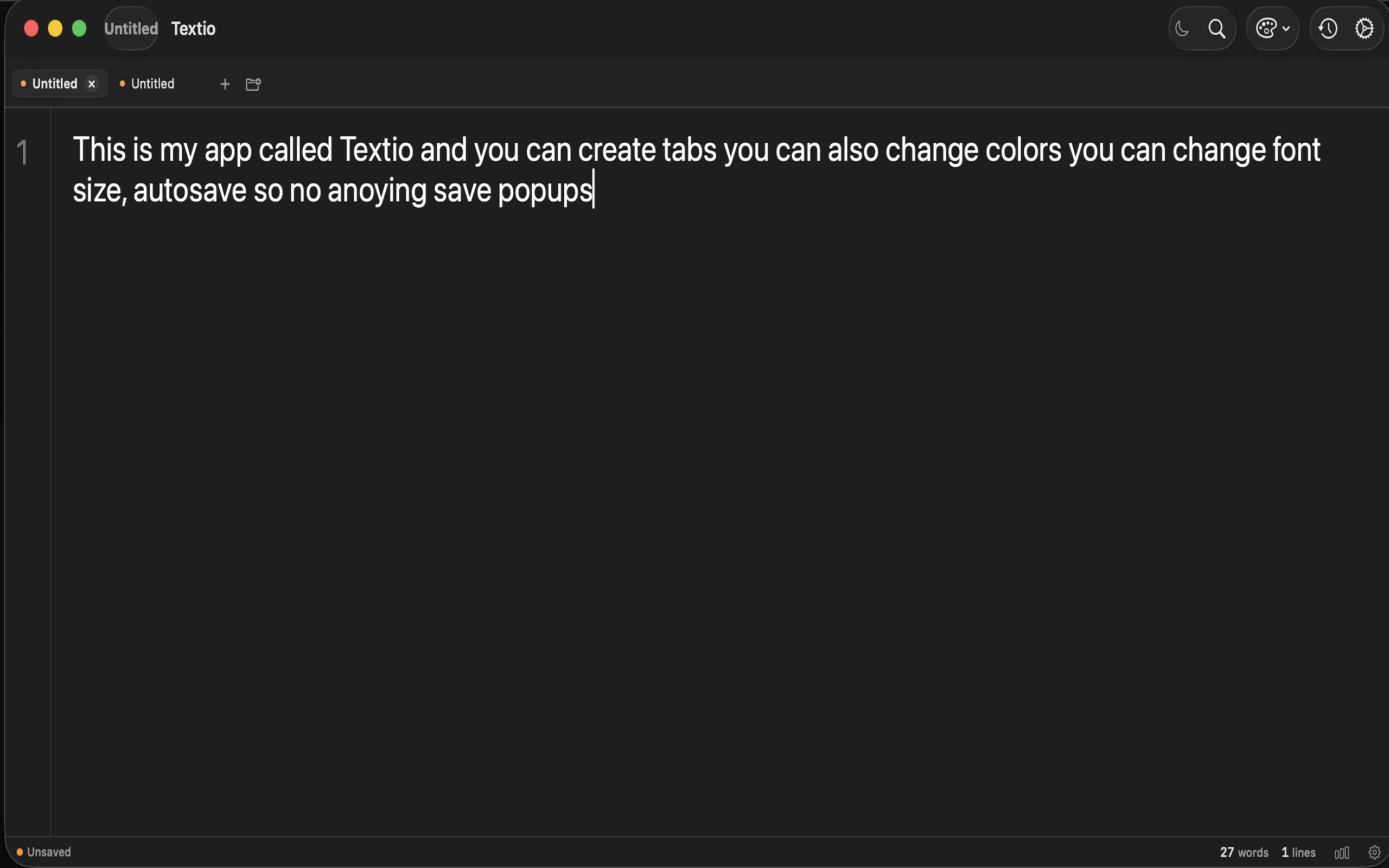
Never lose your work. Textio automatically saves your documents as you type, so you can focus on writing without worrying about hitting save.

Auto-Save Feature
Focus Mode

Focus Mode

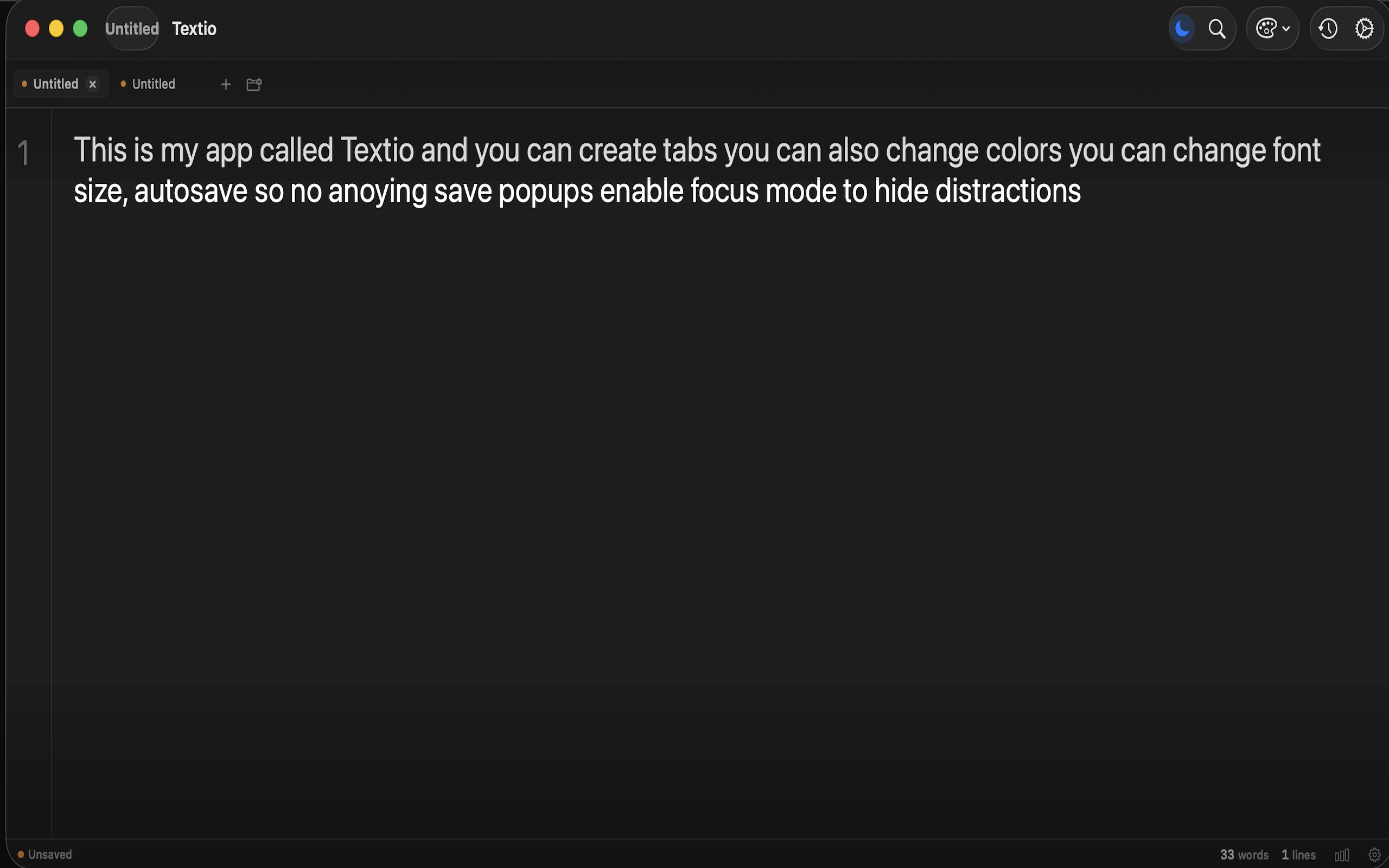
Eliminate distractions with three beautiful focus modes: Minimal, Typewriter, and Spotlight. Each mode helps you concentrate on your current line or paragraph.

Pro Feature

Tab Groups

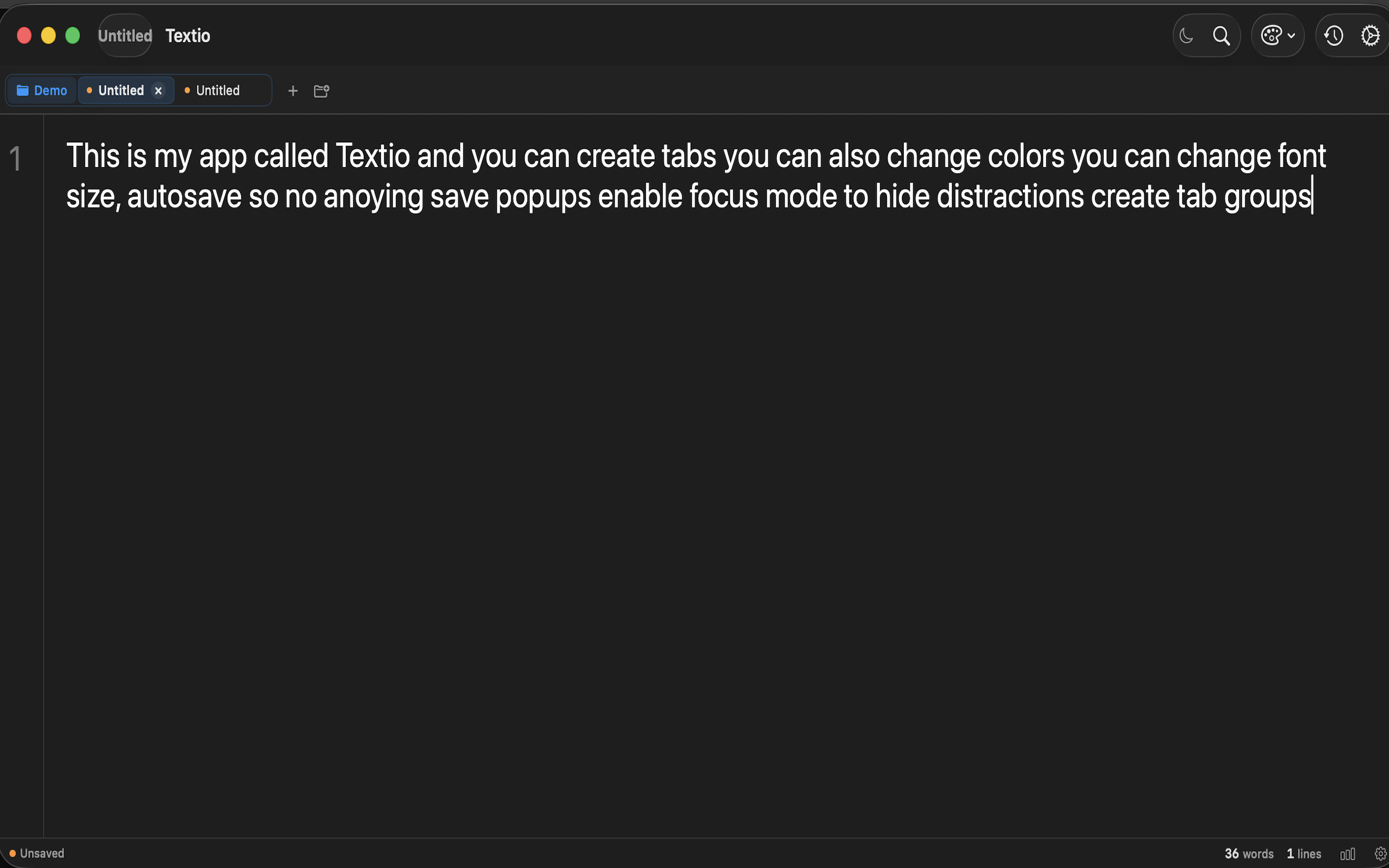
Organize your documents into color-coded tab groups. Work on multiple projects simultaneously and keep everything organized with 7 beautiful colors.

Pro Feature
Tab Groups
Multiple Tabs

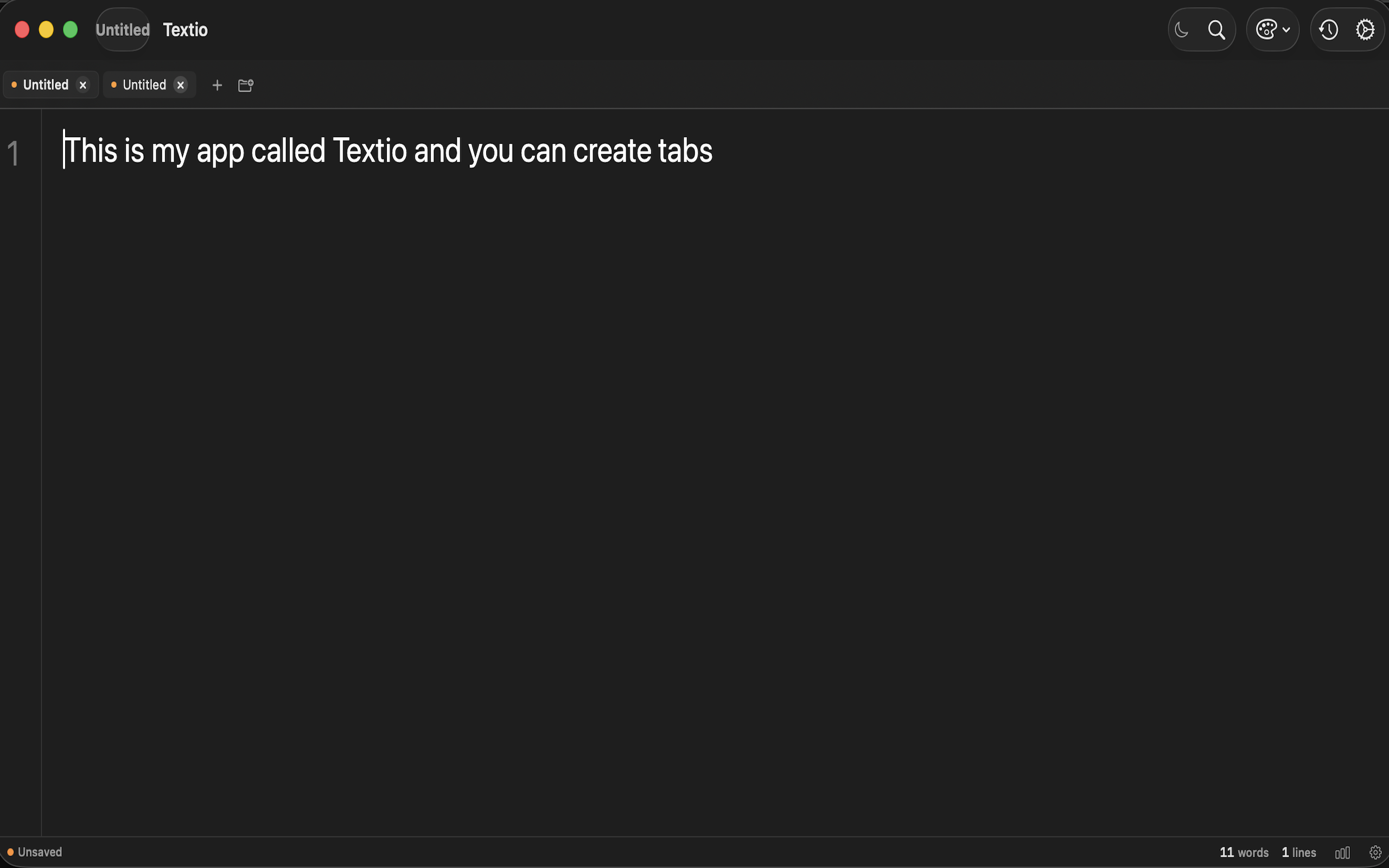
Multiple Documents

Work with multiple documents at once using tabs. Switch between files effortlessly and keep your workflow smooth and efficient.

Pro Feature

7 Beautiful Themes

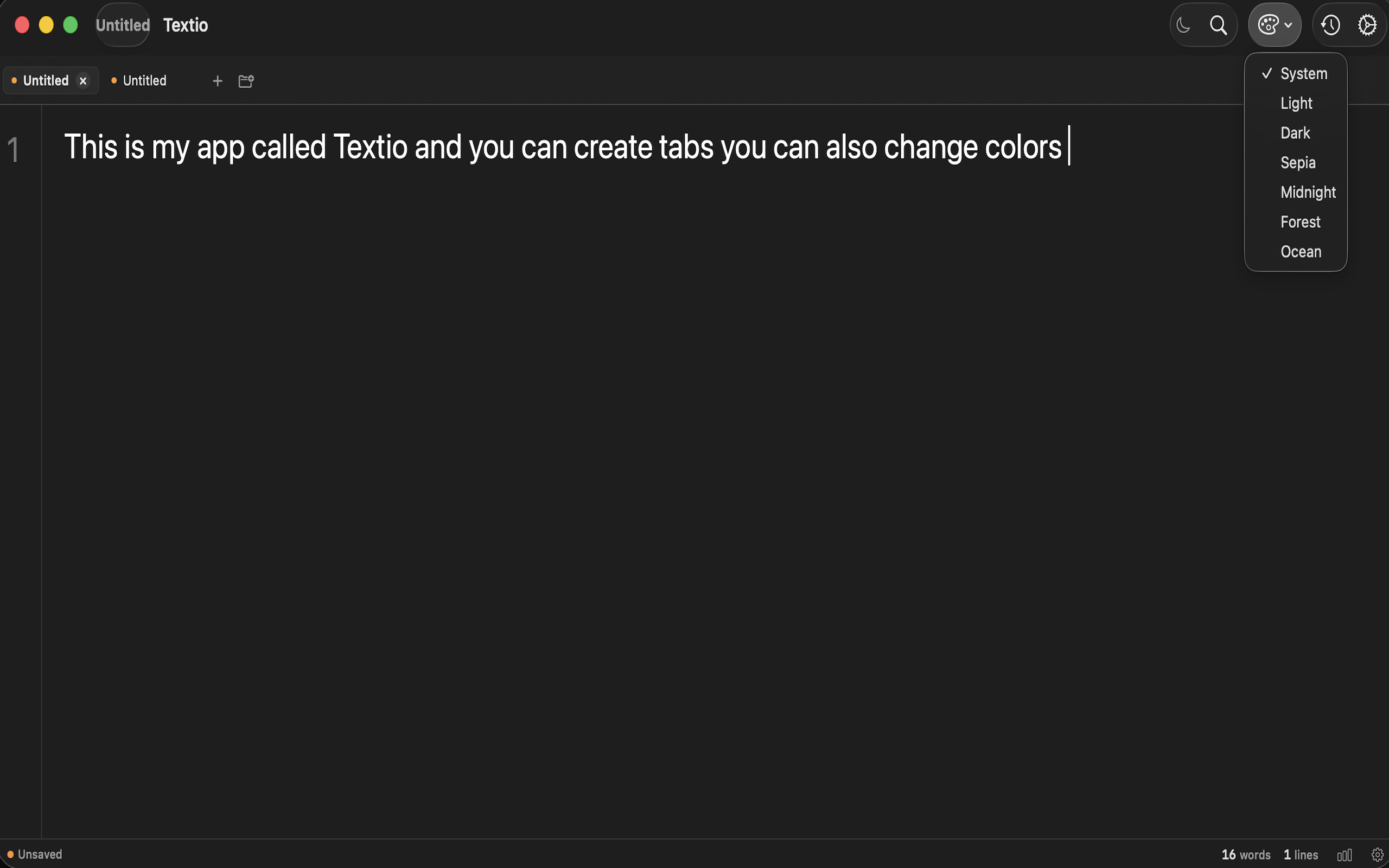
Choose from System, Light, Dark, Sepia, Midnight, Forest, and Ocean themes. Each carefully crafted for different lighting conditions and moods.

Pro Feature
Editor Themes
Font Customization

Font Customization

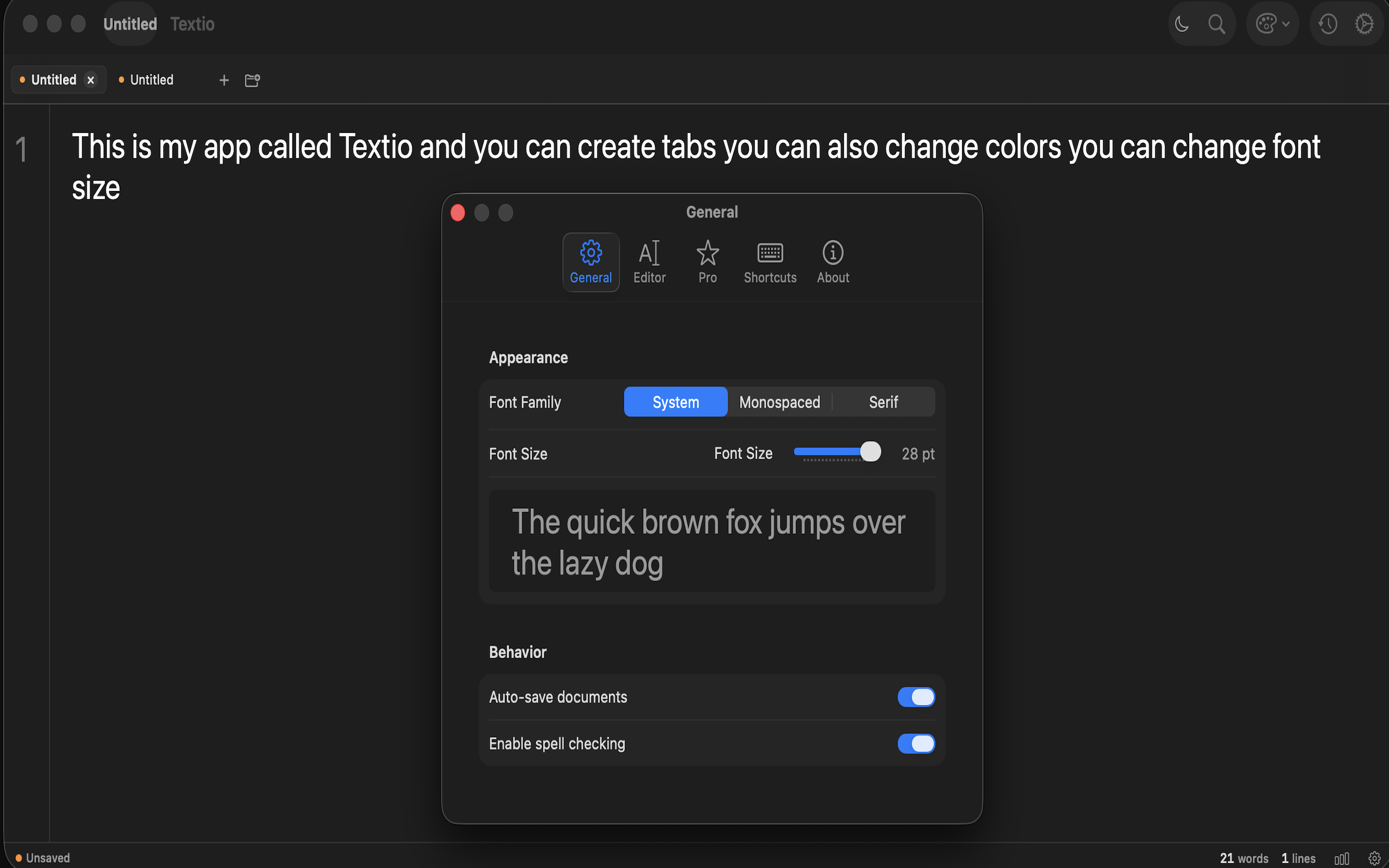
Choose from System, Monospaced, or Serif fonts. Adjust font size from 10pt to 28pt to find your perfect reading and writing comfort.

Powerful features at your fingertips

Every detail designed for a better writing experience

Version History

Save up to 10 versions per document. Restore any previous version at any time. Never lose important revisions.

Pro

Find & Replace

Powerful search with case-sensitive, whole word, and regex support

Quick Note

Menu bar panel for instant note capture with templates

Pro

Export Options

Export to PDF, Markdown, HTML, and RTF formats

Pro

Daily Writing Goals

Set and track word count targets to build consistent habits

Pro

Keyboard First

Full keyboard shortcut support for efficient workflow

Upgrade to Textio Pro

Unlock the full writing experience with powerful Pro features

Free

$0
  • Clean text editing
  • Auto-save
  • Find & Replace
  • Font customization
  • Word count
  • Spell checking

Frequently Asked Questions

Everything you need to know about Textio

What makes Textio different from other text editors?

Textio combines a beautiful, minimal interface with powerful features that writers actually need. Unlike bloated alternatives, Textio focuses on the essentials: distraction-free writing, smart organization with Tab Groups, peace of mind with Version History, and gorgeous themes that adapt to your environment. It's native macOS, so it's fast, efficient, and feels right at home on your Mac.

Is Textio really free?

Yes! Textio's free version includes all essential features: auto-save, Find & Replace, font customization, word count, and spell checking. You can use Textio as your primary text editor without ever paying a cent. Pro features are available as a one-time $4.99 purchase if you want advanced capabilities like Tab Groups, Focus Mode, and Version History.

What's included in Textio Pro?

Textio Pro unlocks: Tab Groups for organizing documents, Version History (up to 10 versions per document), three Focus Mode styles (Minimal, Typewriter, Spotlight), 7 beautiful editor themes, Line Numbers, Quick Note menu bar panel, export to PDF/Markdown/HTML/RTF, Daily Writing Goals, Auto Backup, and Session Restoration. It's a one-time purchase with no subscriptions.

What are the system requirements?

Textio requires macOS 13.0 (Ventura) or later. It works on both Apple Silicon and Intel Macs and only takes about 15 MB of storage space.

Does Textio support Markdown?

Textio is a plain text editor, so you can write Markdown syntax directly. With Textio Pro, you can export your documents as Markdown (.md) files, making it perfect for developers, bloggers, and technical writers.

Is my data private?

Absolutely. Textio doesn't collect any of your data. Your documents stay on your device, preferences are stored locally, and there are no accounts or logins required. We don't track your usage or send analytics. What you write is yours and yours alone.

Can I try Pro features before buying?

Download Textio for free and use it as long as you like. When you're ready to unlock Pro features, it's a simple one-time $4.99 purchase through the App Store. No subscriptions, no recurring charges.

What keyboard shortcuts are available?

Textio includes shortcuts for all major actions: ⌘N (New), ⌘O (Open), ⌘S (Save), ⌘F (Find), ⌘+/- (Font Size), ⌘⇧L (Toggle Line Numbers), ⌘⌃F (Focus Mode), and many more. You can keep your hands on the keyboard and never break your flow.

Ready to write beautifully?

Download Textio for free and discover a better way to write on your Mac.

Coming soon to the App Store

Requires macOS 13+ (Ventura or later)